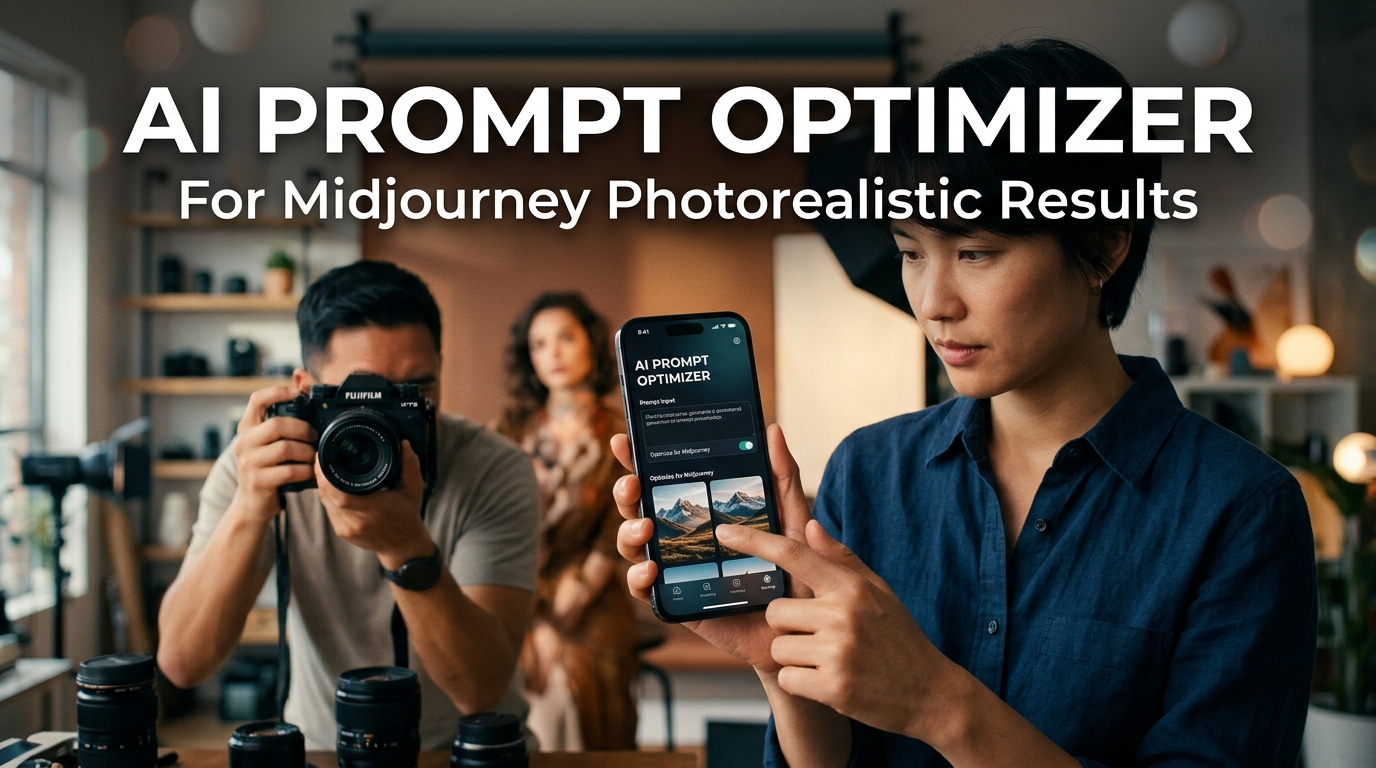
AI Prompt Optimizer For Midjourney Photorealistic Results

Generic prompts produce generic results. If your Midjourney images still look like plastic or lack the depth of a professional photograph, it is because you are missing the technical vocabulary that AI models require in 2026. This guide shows you how to use an AI prompt optimizer to transform simple ideas into stunning, photorealistic masterpieces every time.

Table Of Contents

1. The Science Of Photorealism In AI Image Generation

2. Why Simple Prompts Fail In Midjourney V9

3. Anatomy Of A Professional Photorealistic Prompt

4. How An AI Prompt Optimizer Works

5. Comparison Of Prompting Methods

6. Optimizing Prompts For Different Photography Styles

7. Monetizing Your Photorealistic AI Art

8. Using AI Tools For Marketing And Scaling Production

9. Conclusion

The Science Of Photorealism In AI Image Generation

Photorealism in AI is not about telling the machine to make something look “real.” By 2026, the underlying models have already seen billions of photos. The challenge lies in directing the latent space to a specific set of photographic parameters. To get a result that mimics a physical camera, you must define light physics, lens optics, and sensor behavior.

AI art optimization requires understanding how the model interprets tokens. A midjourney prompt helper takes your basic concept, such as “a woman in a coffee shop,” and injects the technical data needed to simulate reality. This includes specifying the f-stop for depth of field, the shutter speed for motion blur, and the specific film stock or digital sensor profile for color accuracy.

Why Simple Prompts Fail In Midjourney V9

In the early days of AI, a simple prompt like “realistic portrait” might have been enough to impress. Today, the bar is higher. Simple prompts often result in the “AI Sheen,” a characteristic over-smoothed texture that makes skin look like wax and hair look like plastic threads.

This happens because the AI defaults to a generalized average of all images in its training set. To break away from this average, you need to use specific prompt engineering for images. Without precise instructions on lighting direction (like Rembrandt lighting or short lighting) and texture (like skin pores or micro-sweat), the AI fills in the gaps with its safest, most generic prediction.

Anatomy Of A Professional Photorealistic Prompt

To achieve true photorealism, your prompt should follow a structured hierarchy. An AI prompt optimizer automates this structure, ensuring no critical technical details are forgotten. Here are the components of a high-end prompt:

  • Subject Detail: Physical characteristics, clothing texture, and micro-expressions.
  • Environment: Background depth, weather conditions, and atmospheric haze.
  • Lighting Physics: Light source (sun, LED, neon), intensity, and bounce light.
  • Camera Gear: Lens focal length (e.g., 35mm, 85mm), camera model (e.g., Sony A7R V), and aperture settings.
  • Film/Sensor Profile: Kodachrome, Fujifilm Velvia, or modern RAW digital output.

Example Of A Raw Concept vs. Optimized Prompt

Raw Concept: A man standing in a rainy street at night.

Optimized Prompt:

Cinematic street photography, middle-aged man with salt-and-pepper beard, wearing a wet charcoal wool overcoat, standing in a rain-slicked Tokyo alleyway at night, vibrant neon reflections in puddles, shot on Leica M11, 35mm Summilux lens, f/1.4, ISO 800, 1/125s, sharp focus on eyes, micro-droplets on skin, volumetric fog, Kodak Portra 400 color grading, photorealistic, 8k resolution –ar 16:9 –style raw –v 9.0

How An AI Prompt Optimizer Works

An AI prompt optimizer acts as a bridge between your creative intent and the technical requirements of the AI model. It uses a Large Language Model (LLM) trained specifically on photography terminology and Midjourney’s latest parameters.

When you input a basic idea, the optimizer runs through a library of photographic styles and applies the most relevant ones. It doesn’t just add “buzzwords”; it builds a logical scene description. This is essential for creators who need 15+ Google Veo 3 Prompts for Social Media Marketing to Grow Your Brand Followers because consistency in high-quality imagery is what builds brand authority.

Comparison Of Prompting Methods

Feature Basic Prompting Advanced Prompt Engineering AI Prompt Optimizer
Consistency Low Medium High
Technical Accuracy Minimal High (if skilled) Expert Level
Time Required Seconds 10-15 Minutes Seconds
Result Quality Generic Professional Award-Winning
Learning Curve None Steep None

Optimizing Prompts For Different Photography Styles

Not all photorealism is the same. A product shot for an e-commerce site requires different parameters than a gritty documentary-style portrait. Your midjourney prompt helper should be able to pivot between these styles.

Portrait Photography

For portraits, focus on the lens and lighting. An 85mm or 135mm lens is standard for beautiful bokeh (background blur). Mentioning “catchlights in the eyes” adds a level of realism that is hard to replicate with basic prompts.

Close-up portrait of a grandmother, deep wrinkles, kind eyes with catchlights, natural window lighting, soft shadows, shot on Canon EOS R5, 85mm f/1.2 lens, shallow depth of field, high skin texture detail, hyper-realistic –ar 4:5 –v 9.0

Architectural And Interior Design

Architectural photography requires wide-angle lenses and a focus on straight lines and lighting balance. Use terms like “tilt-shift lens” to avoid vertical distortion in your AI-generated buildings.

Modernist desert villa at dusk, glass walls, warm interior lighting, cold blue hour exterior, poolside reflections, shot on Hasselblad H6D, 24mm tilt-shift lens, architectural photography style, clean lines, high dynamic range –ar 3:2 –v 9.0

Product Photography

If you are building a business, 6 AI Tools for Marketing SaaS Apps to Land Your First 100 Customers can help, but you still need high-quality visuals. Product photography prompts should emphasize “macro photography,” “studio lighting,” and “rim lighting” to make the product pop from the background.

Macro photography of a high-end mechanical watch, exposed gears, brushed titanium texture, softbox studio lighting, rim light to define edges, bokeh background, shot on Phase One XF, 120mm macro lens, 8k, sharp focus on dial –ar 1:1 –v 9.0

Monetizing Your Photorealistic AI Art

Digital entrepreneurs are currently making significant income by selling these optimized results. Because you can generate photorealistic ai prompts that look indistinguishable from real photography, the market for these assets is massive.

1. Stock Photography: Submit your high-resolution, optimized images to stock sites that allow AI content. Ensure your prompts include specific lighting conditions that buyers look for.

2. Prompt Bundles: Sell your specific, tested prompt strings to other creators who want to achieve the same look without the trial and error.

3. Digital Marketing Services: Provide custom imagery for small businesses that cannot afford a full-scale photoshoot.

For those looking to turn this into a recurring revenue stream, understanding AI Art Monetization Strategies 2026 is the next logical step. The key is to offer something that doesn’t look like “AI.” The more human and physical the image looks, the higher the price you can command.

Using AI Tools For Marketing And Scaling Production

Generating one great image is easy. Generating 100 consistent images for a marketing campaign is difficult. This is where an optimizer becomes a necessity rather than a luxury. By using a standardized prompt structure, you ensure that every image in a collection has the same “color science” and “film grain,” making them look like they were all shot during the same session.

Content creators use these tools to populate blogs, social media feeds, and ads. If you are a social media marketer, having a library of photorealistic assets allows you to respond to trends in minutes rather than days. You can combine these visuals with tools like the Viral Hook Generator to create high-performing ads that convert at a much higher rate because the visual quality builds immediate trust.

Practical Tips For Better Results

Conclusion

Mastering ai art optimization is the difference between a hobbyist and a professional in the 2026 digital economy. Using an AI prompt optimizer for Midjourney removes the guesswork and provides a direct path to photorealistic results. Whether you are creating assets for a side-hustle or scaling a marketing agency, the quality of your input determines the success of your output.

Stop settling for mediocre, synthetic-looking images. Start using technical photography language and specialized prompt helpers to create visuals that truly stand out in a crowded digital world.

Ready to dominate the AI art space? Access our AI Prompt Optimizer now and transform your simple ideas into professional photography in seconds.

Comments

Leave a Reply

Your email address will not be published. Required fields are marked *

More posts